
Appointments
Doctor appointment softwareyour reception can trust
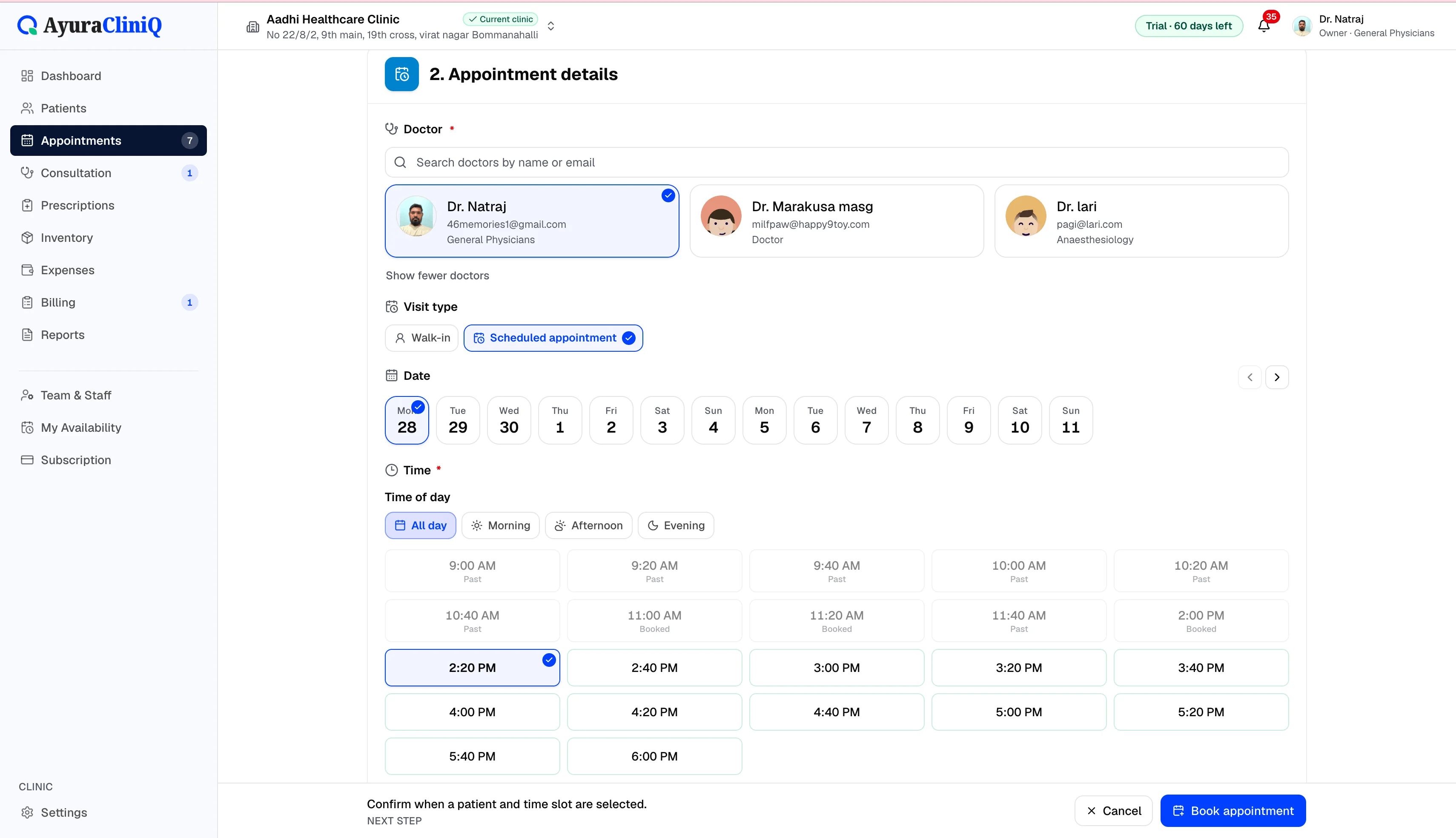
Plan visits by day and doctor, track status from scheduled to completed, and open the right patient record in one click.
Capabilities
What you can do
Day view by doctor
Plan who is expected today and filter by consulting doctor.
Book visits
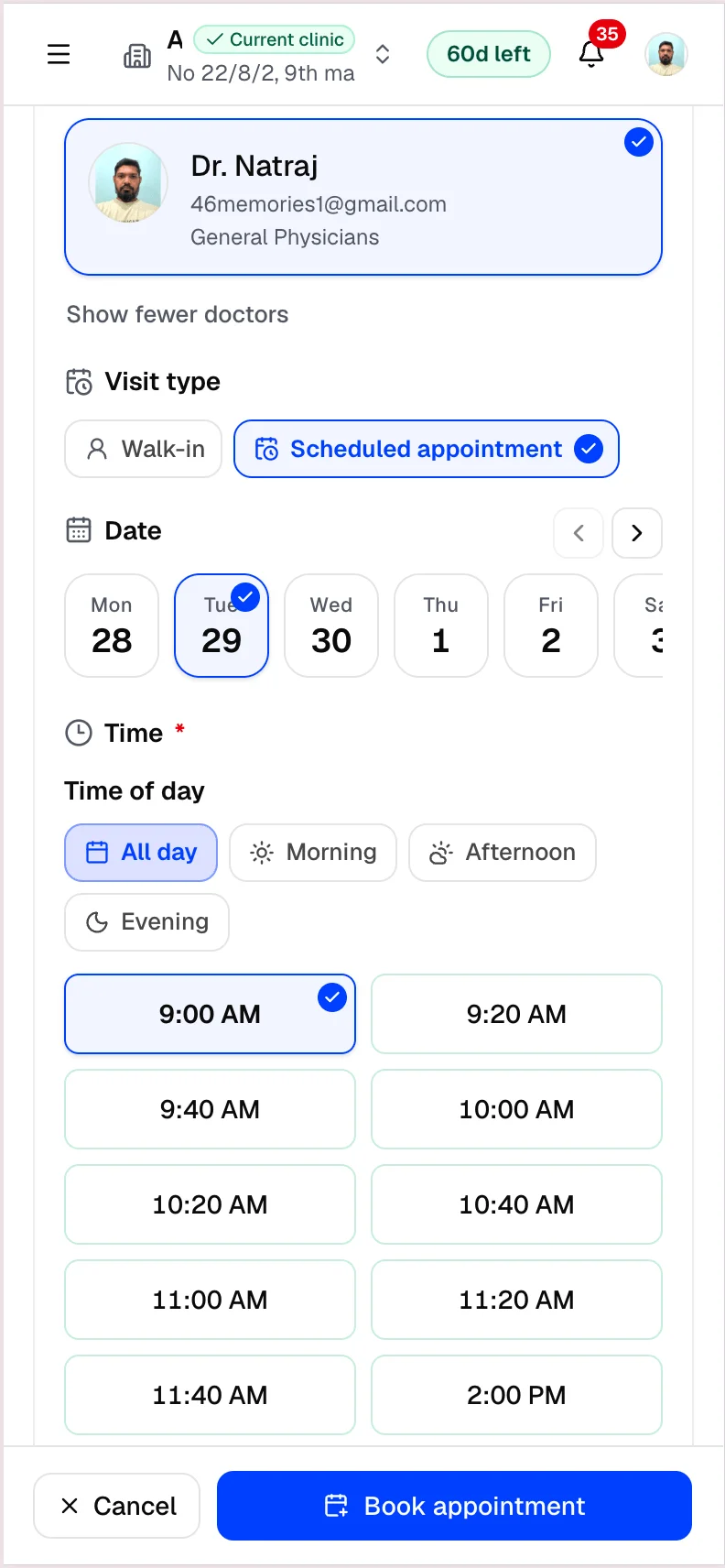
Create appointments with patient and visit type.
Status lifecycle
Track scheduled, arrived, in consultation, and completed.
Linked patient history
Every booking opens the same patient profile and context.
Queue handoff
Checked-in appointments flow into today’s operational queue.
Overview
Scheduling that matches how clinics actually work
AyuraCliniQ appointment management supports date-based planning for each doctor. Reception can create appointments, adjust status, and search when the front desk gets busy.
Appointments are the starting point for consultations, prescriptions, and invoices — not a separate calendar that goes out of sync.
Workflow
How appointment management works
- 1
Pick a date and doctor on the appointments view
- 2
Book a new visit with patient and visit type
- 3
Update status as the patient arrives and consults
- 4
Open the appointment detail or start consultation
In the product
Appointment management benefits
Clear day view
See who is expected today and filter by status or visit type.
Linked to patients
Every booking connects to the patient profile and visit history.
Feeds the queue
Checked-in appointments appear in today’s operational queue.
Related features
OPD management
OPD management software that connects reception to the doctor
AyuraCliniQ helps small clinics run outpatient days: book or walk in patients, manage the waiting room, consult, prescribe, and bill without switching tools.
Patients
Patient management software with fast mobile search
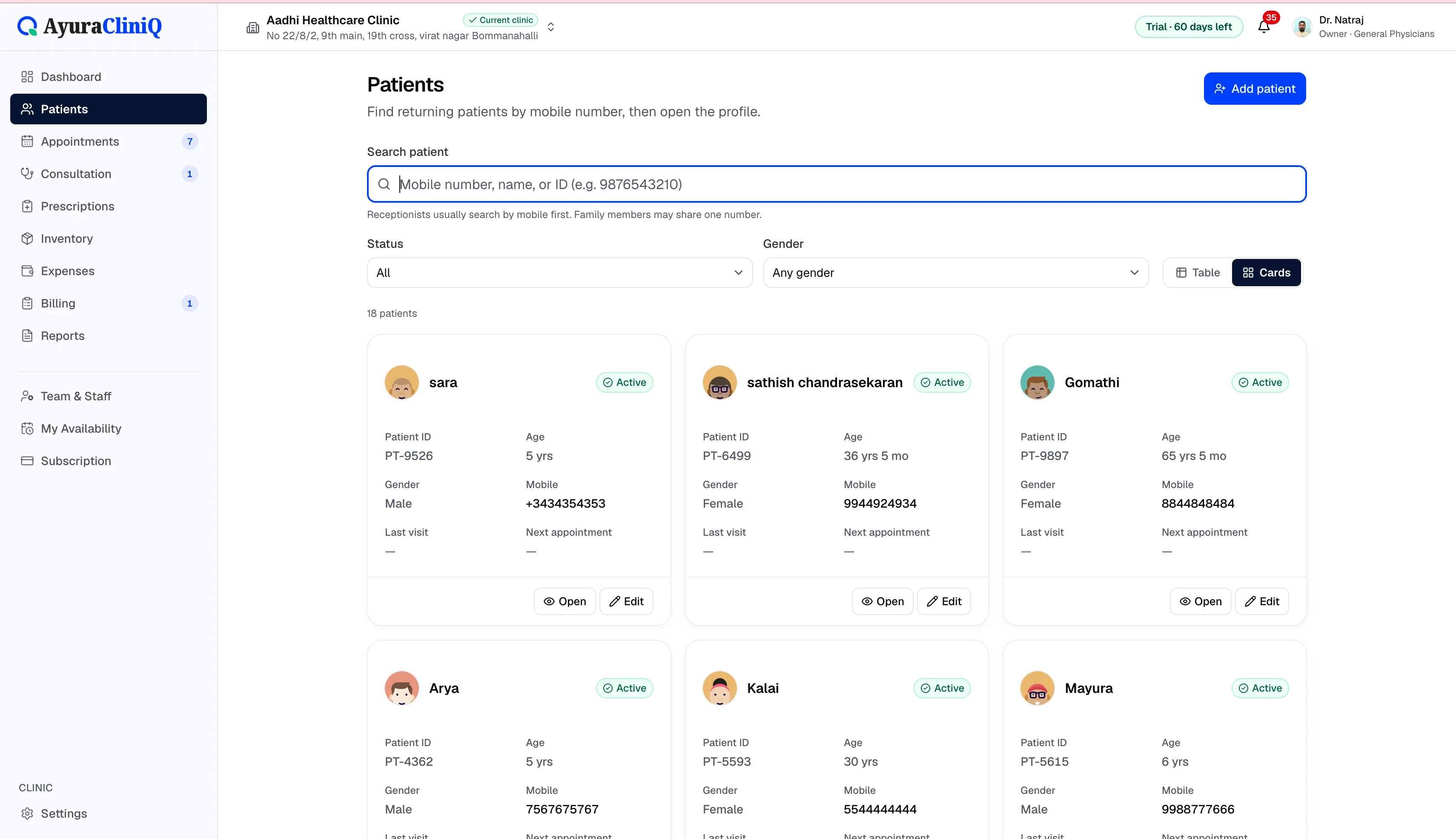
Find returning patients quickly, keep contact and identity details organised, and open profiles with visit history beside every new appointment.
Queue
Clinic queue management for today’s waiting room
See who checked in, who is waiting, and who is with the doctor — then start consultation when the room is ready.
FAQ
Frequently asked questions
Yes. Appointments are associated with a doctor on your clinic staff list and can be filtered by doctor.
Not in the current release. Appointments are created and managed by your clinic staff inside AyuraCliniQ.
Ready to simplify your clinic workflow?
60 days free · No credit card required · Free setup for doctors and receptionists