
Queue
Clinic queue management for today’s waiting room
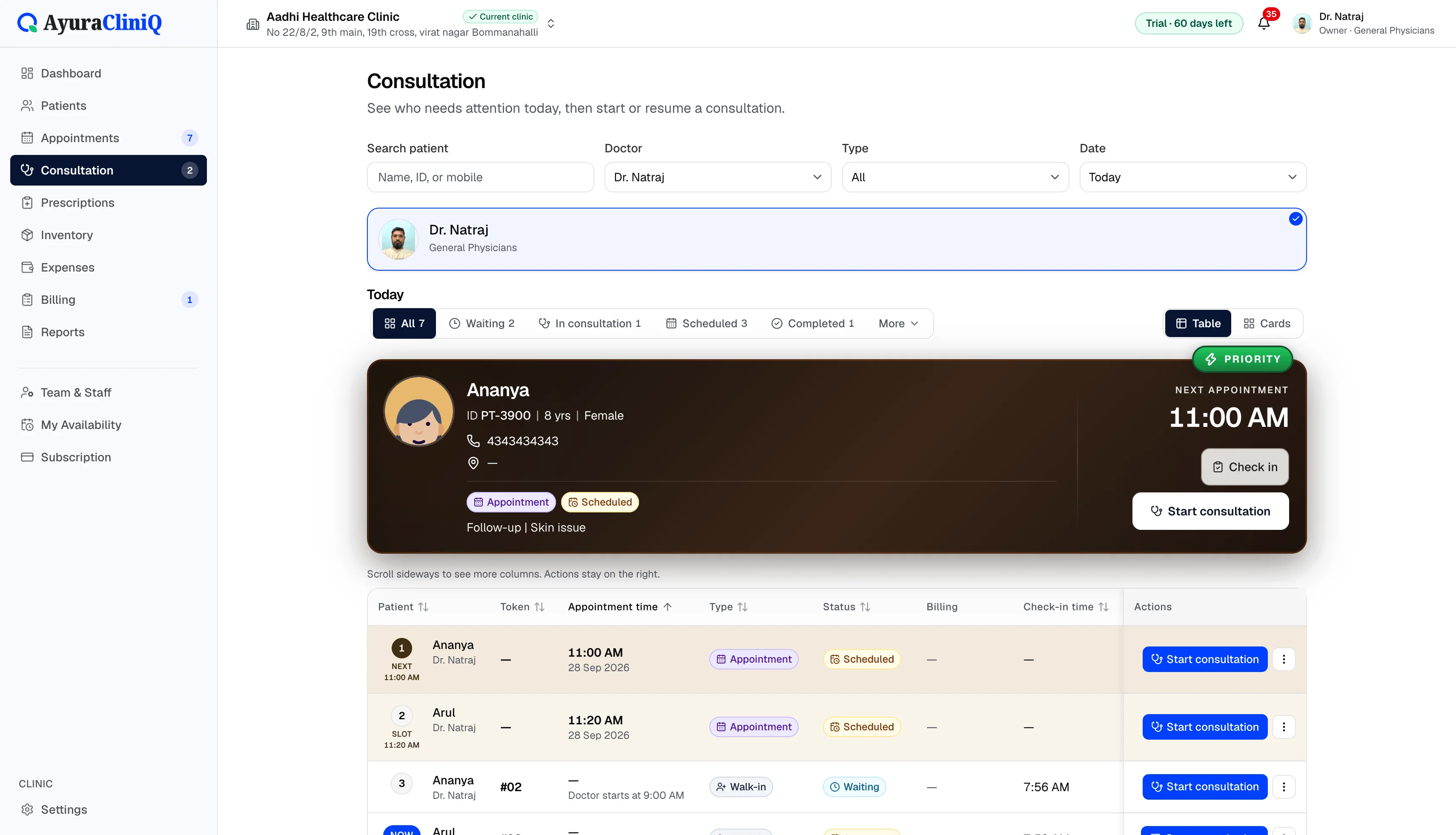
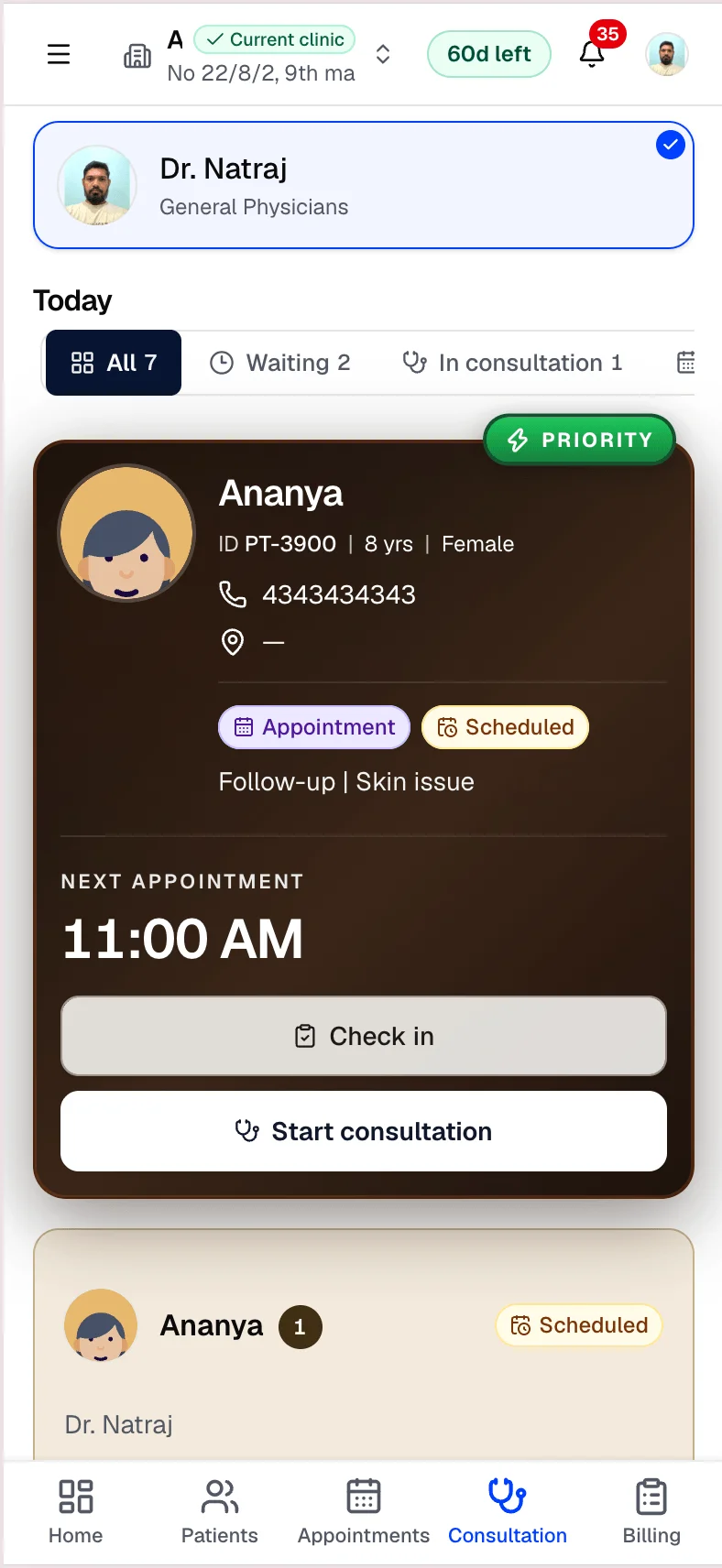
See who checked in, who is waiting, and who is with the doctor — then start consultation when the room is ready.
Capabilities
What you can do
Today’s queue
One live view of who is in the waiting room now.
Check-in and walk-ins
Check in scheduled patients or add walk-ins to the queue.
Status transitions
Move patients through waiting and in-consultation states.
Doctor filters
Focus on one doctor’s queue when several consult.
Start consultation
Open the doctor workspace directly from a queue row.
Overview
The queue as your front-desk control panel
Queue management ties together appointments, walk-ins, and consultation start actions. Reception always has a single place to answer “who is waiting?” and “who is with the doctor?”.
It is the operational heart of OPD — not a standalone ticketing system.
Workflow
Queue management steps
- 1
View today’s queue for the clinic or a doctor
- 2
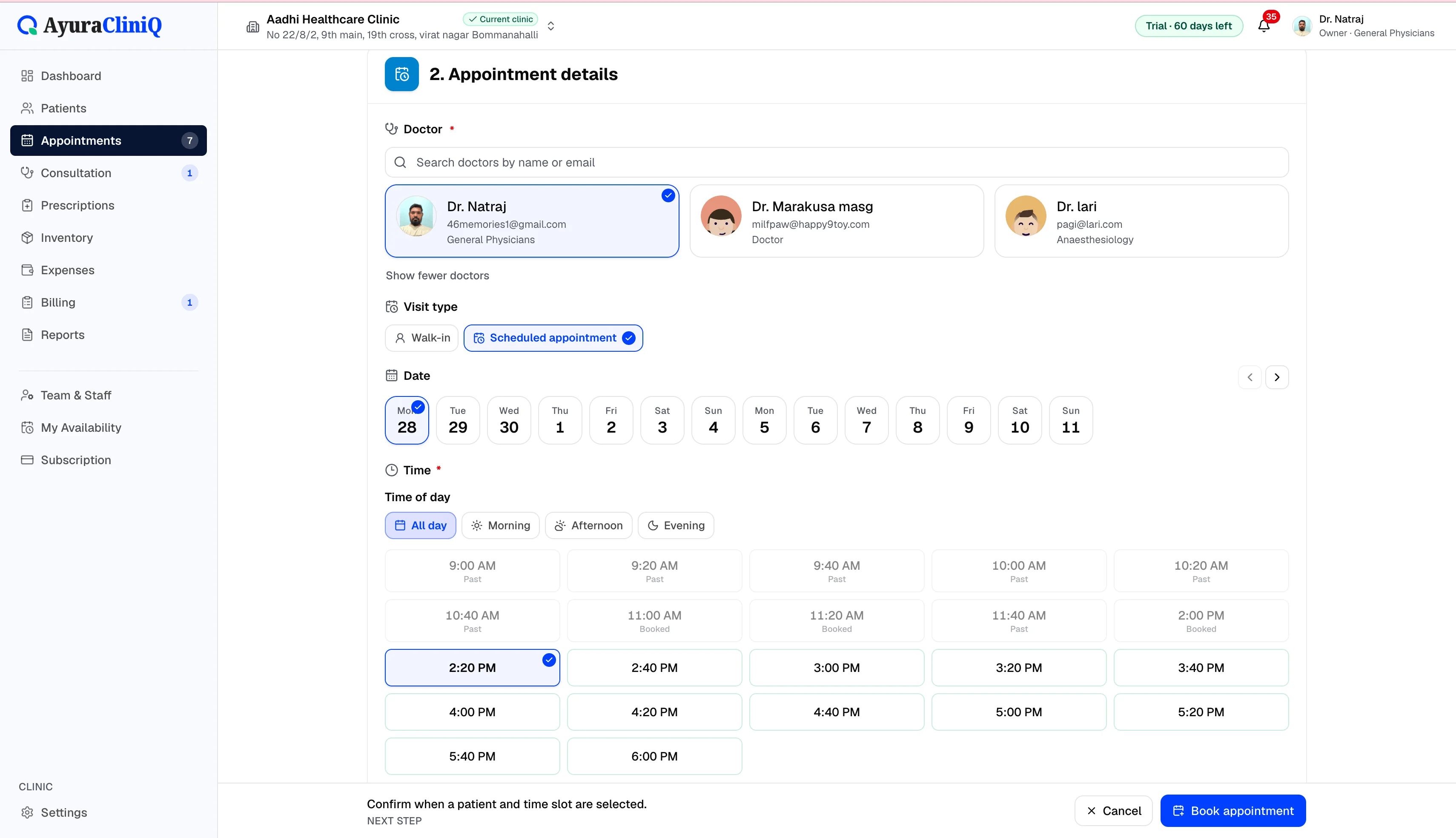
Check in scheduled patients or add walk-ins
- 3
Move patients through waiting and in-consultation status
- 4
Start consultation from the queue row
In the product
Queue visibility for reception
Live operational view
Dashboard and queue surfaces show who is in the hall now.
Doctor-scoped filters
Filter queue and metrics when multiple doctors consult.
Connects to appointments
Scheduled visits flow into the same queue when checked in.
Related features
OPD management
OPD management software that connects reception to the doctor
AyuraCliniQ helps small clinics run outpatient days: book or walk in patients, manage the waiting room, consult, prescribe, and bill without switching tools.
Appointments
Doctor appointment software your reception can trust
Plan visits by day and doctor, track status from scheduled to completed, and open the right patient record in one click.
Consultation
Doctor consultation software in a focused workspace
Open a visit from the queue or appointment, capture complaint and examination notes, record vitals, and prepare the prescription without leaving the screen.
FAQ
Frequently asked questions
The dashboard can reflect check-in timing; it does not provide AI wait-time prediction.
Not as a dedicated product module in the current release.
Ready to simplify your clinic workflow?
60 days free · No credit card required · Free setup for doctors and receptionists