
Multi-doctor
Multi-doctor management for growing OPD clinics
Add consulting doctors to your clinic roster, book and filter visits by doctor, and keep each doctor’s queue and consultation workspace separate within the same clinic.
Capabilities
What you can do
Doctor roster
Add consulting doctors to your clinic team with roles.
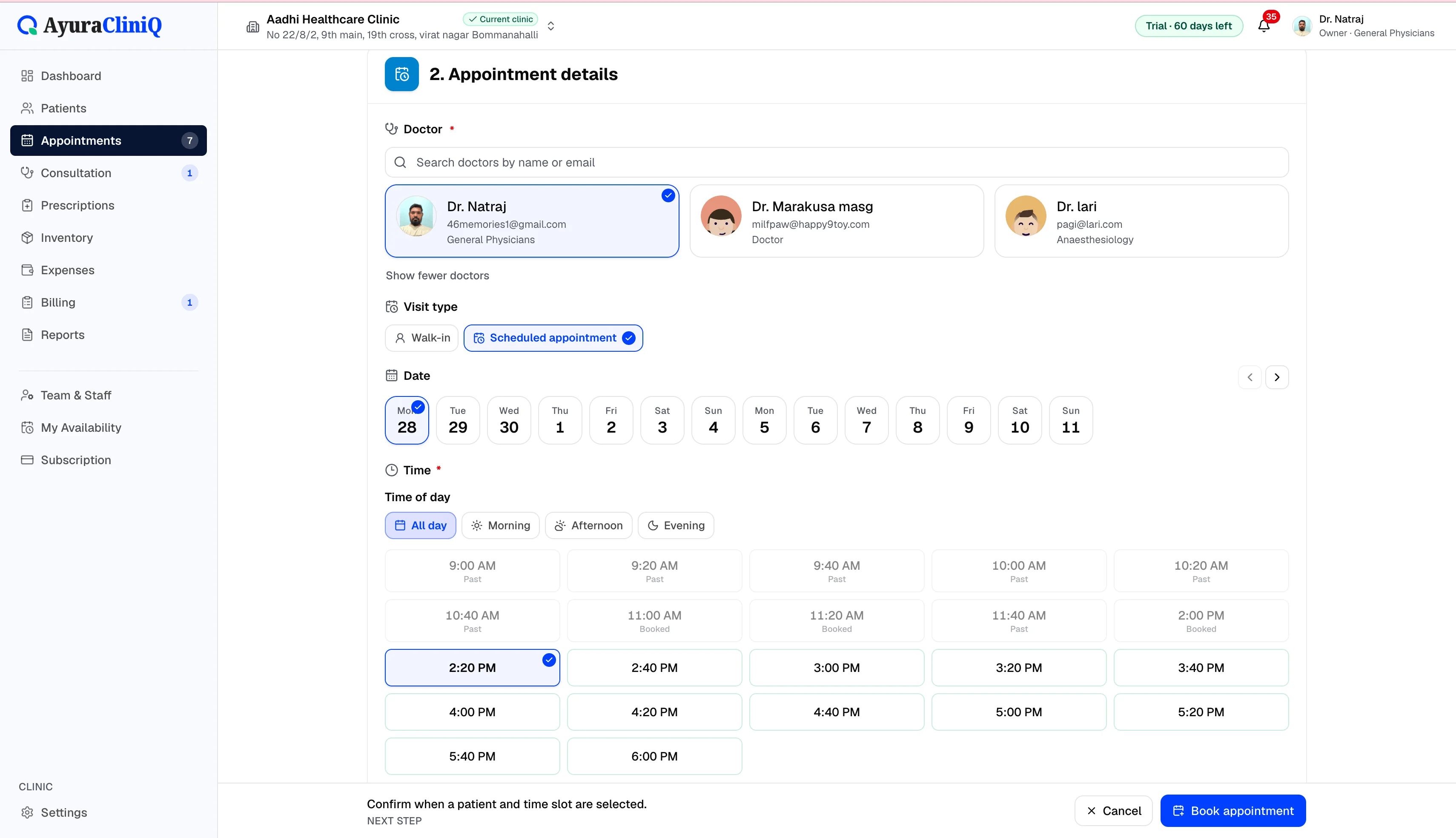
Book by doctor
Reception assigns visits to the correct doctor.
Per-doctor queue
Filter today’s queue and appointments by doctor.
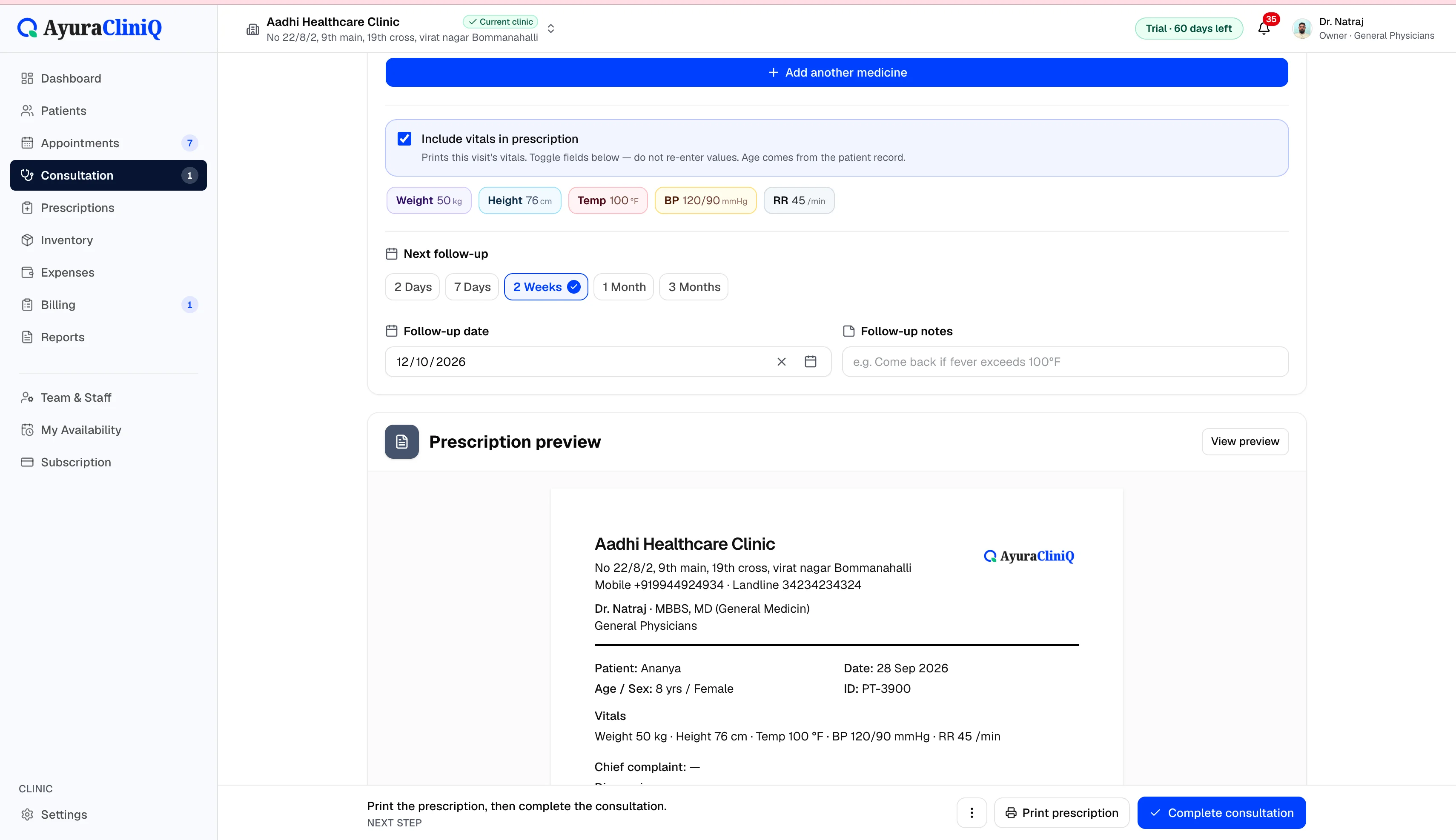
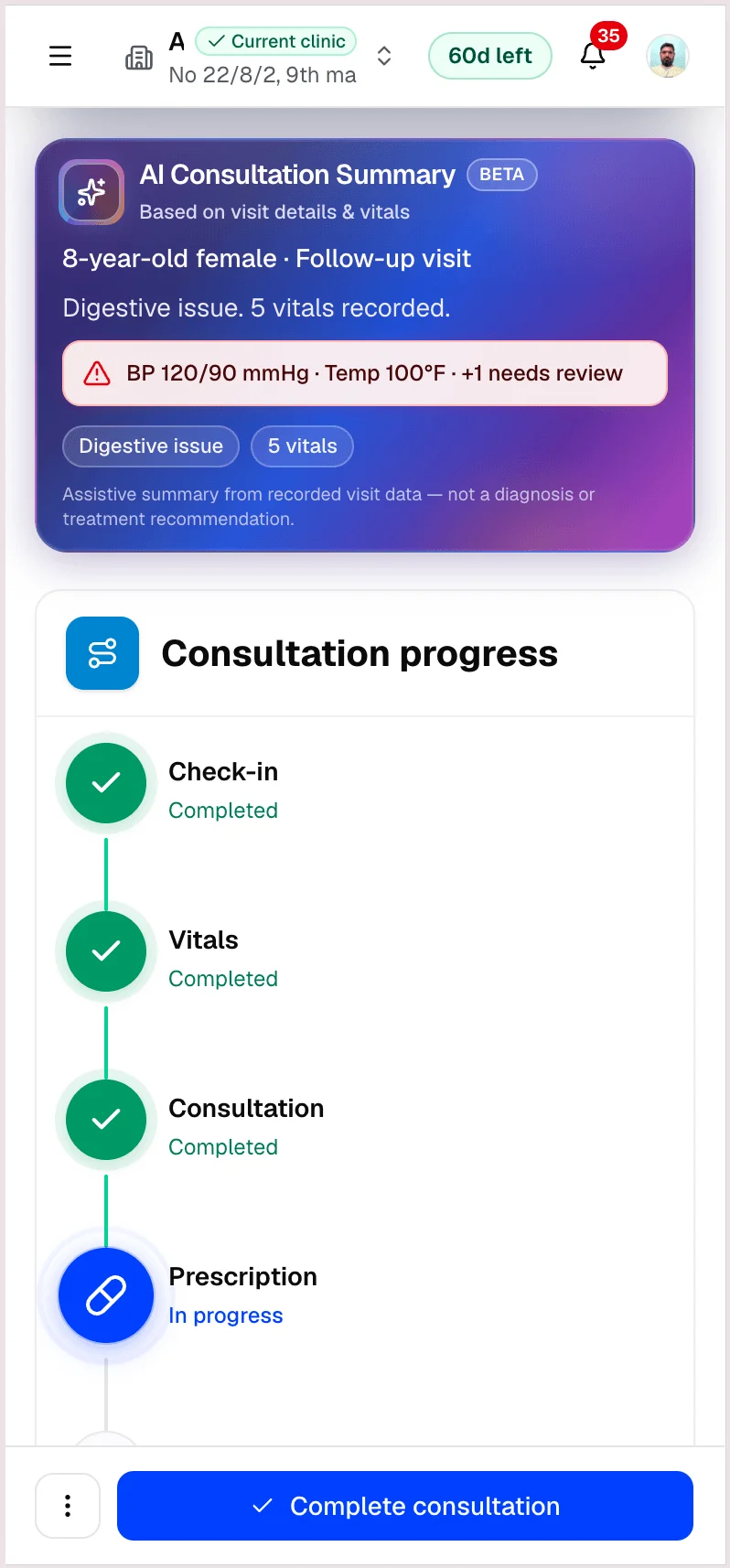
Separate consult workspace
Each doctor opens consultation from their own visits.
Reports by doctor
Review consultations and billed totals by doctor in Reports.
Overview
Roster-based doctors, not a separate EMR per physician
AyuraCliniQ models doctors as clinic staff with profiles on your team. Owners invite or manage doctors and reception from Settings. There is no separate login product per doctor — each person signs in with their role and sees the screens their permissions allow.
Reports can break down completed consultations and billed revenue by doctor for the date range you select, so owners can review activity without exporting to a spreadsheet first.
Workflow
How multiple doctors work in one clinic
- 1
Owner adds doctors to the clinic team with the doctor role
- 2
Reception books appointments and walk-ins against a chosen doctor
- 3
Filter today’s queue and appointments by doctor when the hall is busy
- 4
Each doctor opens consultation from their own visits
In the product
Built for small multi-doctor practices
Doctor on every visit
Appointments and queue rows are tied to a doctor on your clinic staff list.
Operational filters
Reception and doctors can focus on one doctor’s day without losing clinic-wide context.
Plan-aware capacity
Workspace subscription plans set how many doctors you can add across your clinics.
Related features
Appointments
Doctor appointment software your reception can trust
Plan visits by day and doctor, track status from scheduled to completed, and open the right patient record in one click.
Queue
Clinic queue management for today’s waiting room
See who checked in, who is waiting, and who is with the doctor — then start consultation when the room is ready.
Multi-clinic
Multi-clinic management software for growing practices
Owners can add clinics, invite staff per clinic, and switch the active workspace — with plan limits on clinics, doctors, and staff across the workspace.
Reports
Clinic reports for the range you care about
See total patients, appointments, completed consultations, and paid revenue for today, this month, or a custom range — with charts and a daily activity table inside your clinic workspace.
FAQ
Frequently asked questions
A person can be a member of more than one clinic workspace, but patient records and queues belong to the active clinic you select.
No. You choose the doctor when booking or checking in; the product does not assign physical rooms.
Ready to simplify your clinic workflow?
60 days free · No credit card required · Free setup for doctors and receptionists