
Multi-clinic
Multi-clinic management software for growing practices
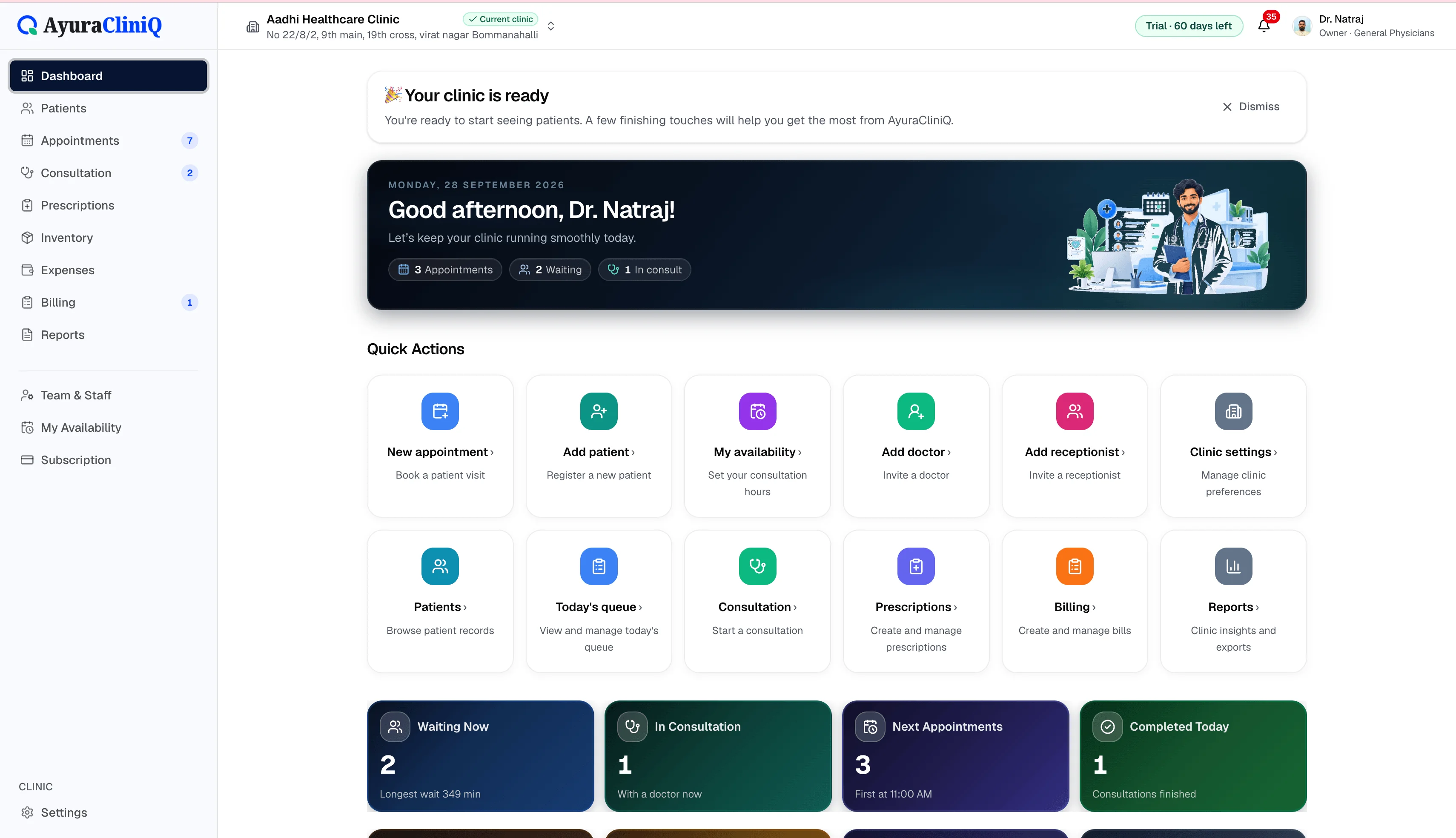
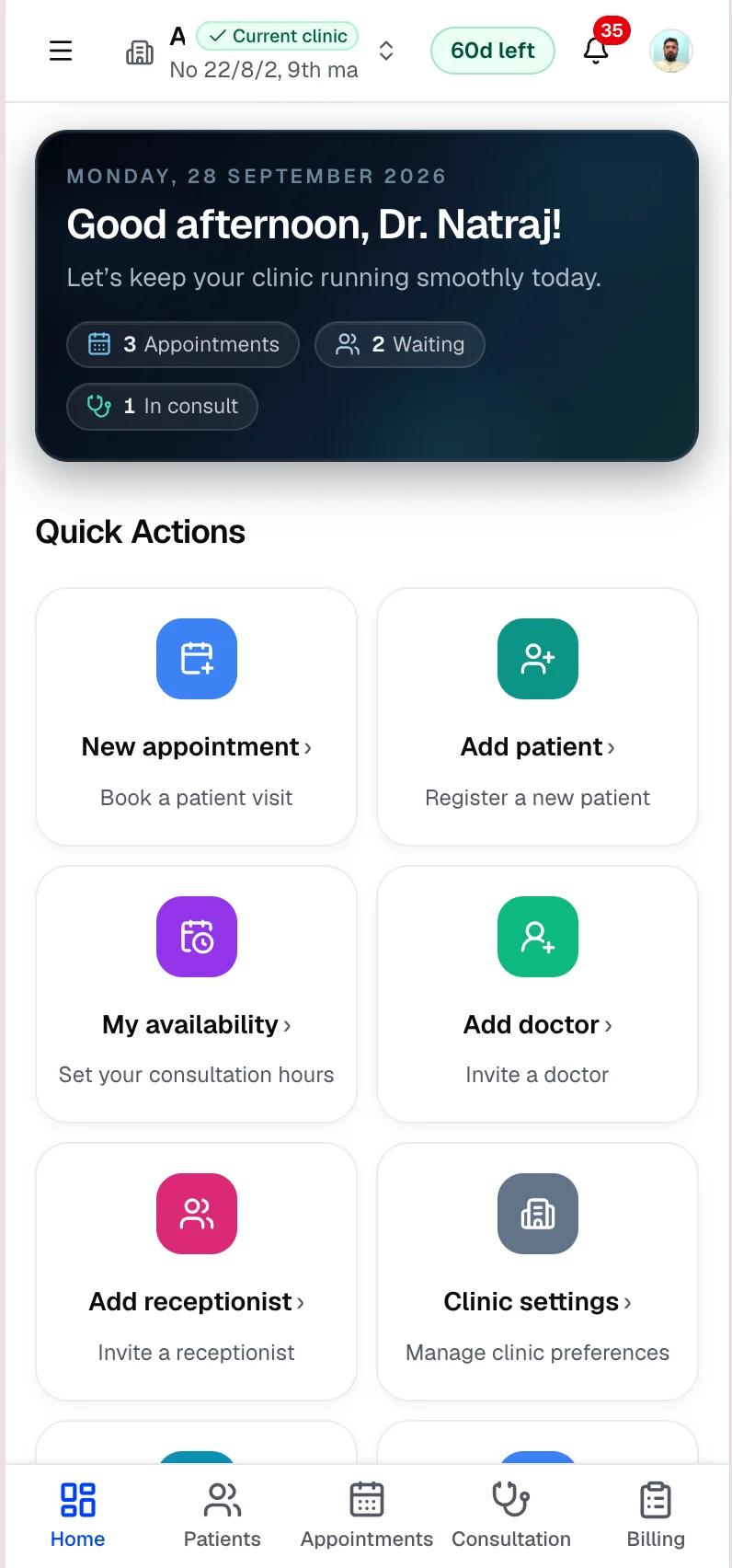
Owners can add clinics, invite staff per clinic, and switch the active workspace — with plan limits on clinics, doctors, and staff across the workspace.
Capabilities
What you can do
Multiple clinics
Add clinic locations under one owner workspace.
Staff per clinic
Invite doctors and reception to the right location.
Switch active clinic
Work in the correct clinic context with one login.
Plan limits
Subscription plans define clinic, doctor, and staff capacity.
Overview
Practice management without duplicate accounts
AyuraCliniQ multi-clinic management is for owners running more than one location. Each clinic has its own patients and operational data while the owner uses one workspace subscription.
This is not a hospital EMR — it is the same OPD workflow replicated per clinic with clear workspace boundaries.
Workflow
Multi-clinic setup
- 1
Create your owner workspace and first clinic
- 2
Add additional clinics from settings when your plan allows
- 3
Invite doctors and reception per clinic
- 4
Switch active clinic to work in the right location
Visual placeholder
Clinic workspace switcher
Use clinic selection and settings in AyuraCliniQ to move between locations. A dedicated marketing screenshot will be added later.
One login, multiple locations
Workspace-level ownership
The owner manages subscription and clinics from one account.
Staff per clinic
Team members belong to clinics with role-based access.
Plan capacity
Subscription plans define how many clinics and staff you can add.
Related features
Patients
Patient management software with fast mobile search
Find returning patients quickly, keep contact and identity details organised, and open profiles with visit history beside every new appointment.
Appointments
Doctor appointment software your reception can trust
Plan visits by day and doctor, track status from scheduled to completed, and open the right patient record in one click.
Billing
Clinic billing software linked to each visit
Create invoices from completed visits, add line items with tax, record payments, and see today’s billing metrics — in rupees.
FAQ
Frequently asked questions
Patient records belong to the clinic where they are registered. There is no cross-clinic patient search.
Plans differ by clinic, doctor, and staff limits — see pricing for capacity.
Ready to simplify your clinic workflow?
60 days free · No credit card required · Free setup for doctors and receptionists