
Clinic settings
Clinic settings that power letterhead, team, and billing defaults
Set up your clinic name and address, upload a logo for printouts, manage team members, and configure defaults such as tax on invoices — all from the owner’s workspace settings.
Capabilities
What you can do
Clinic profile and GSTIN
Name, address, contact, and tax identity for invoices.
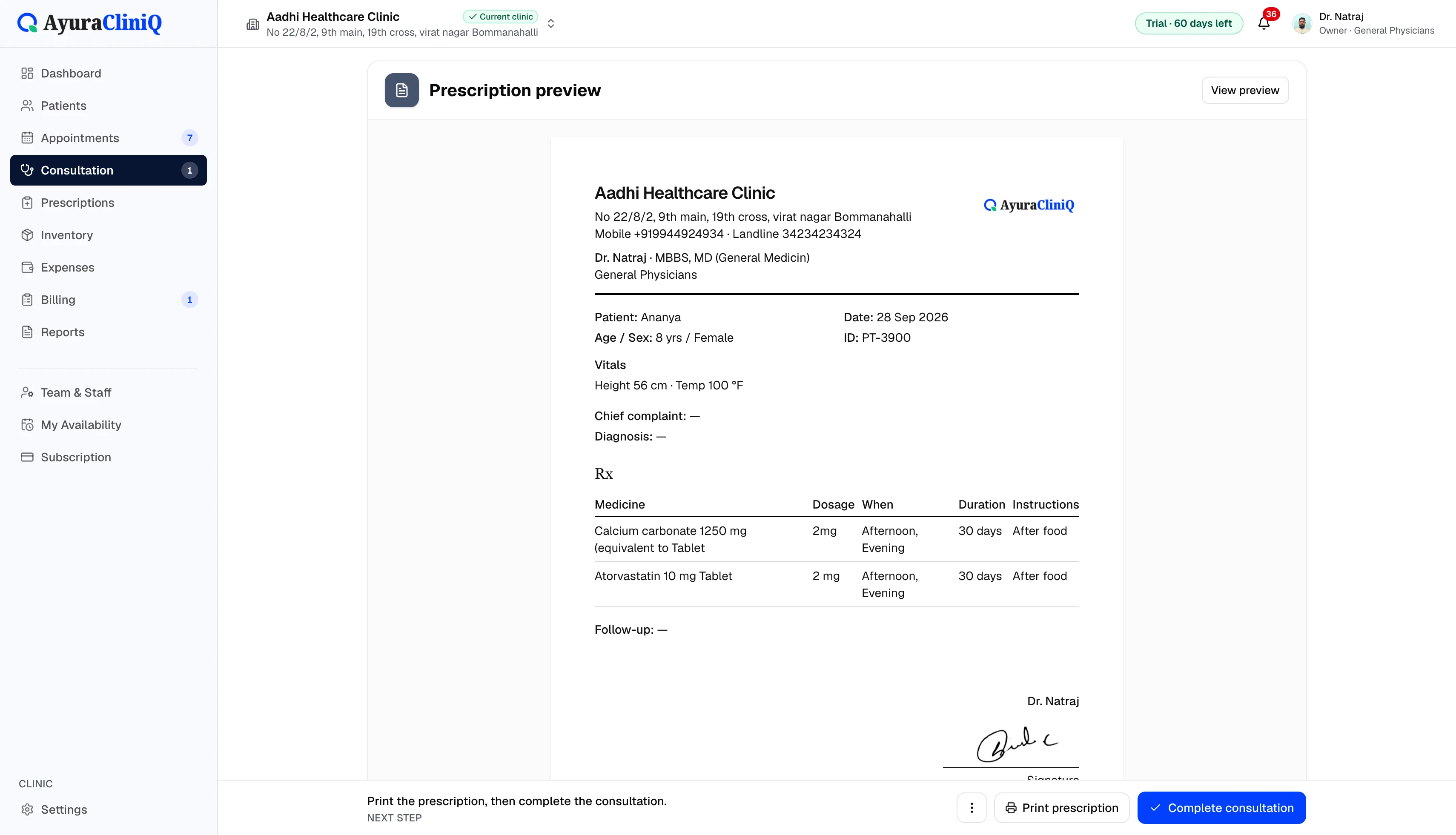
Logo and letterhead
Upload a logo used on prescriptions and invoices.
Team and availability
Invite staff, roles, and doctor weekly availability.
Doctor photo and signature
Optional profile details for prescription presentation.
Billing defaults
Default GST on invoices and workspace subscription settings.
Overview
What clinic settings include
Clinic profile covers identity and contact fields, GSTIN, default tax percent on invoices, and logo upload. Team settings cover staff invitations, roles, weekly availability for doctors, and permission toggles. Owners also manage workspace subscription billing from Settings.
These screens are available after you create an account and sign in — this page describes what you can configure, not a public demo of your private clinic data.
Workflow
Owner setup workflow
- 1
Create the clinic workspace and complete clinic profile details
- 2
Upload a clinic logo used on prescriptions and invoices
- 3
Invite doctors and reception with the right roles
- 4
Set default GST on invoices and doctor photo or signature on profiles
Visual placeholder
Clinic profile & team settings
Owners manage clinic profile, logo, team invitations, and subscription from the signed-in Settings area. Marketing screenshots for the full settings UI will be added later.
Configuration that shows up on printouts
Clinic letterhead
Name, address, contact, and logo flow to prescriptions and invoices you print.
Team & staff
Owners add clinics (within plan limits), invite staff, and adjust permissions.
Doctor profiles
Optional photo and signature on staff profiles support prescription presentation.
Related features
Prescriptions
Digital prescription software with print-ready Rx sheets
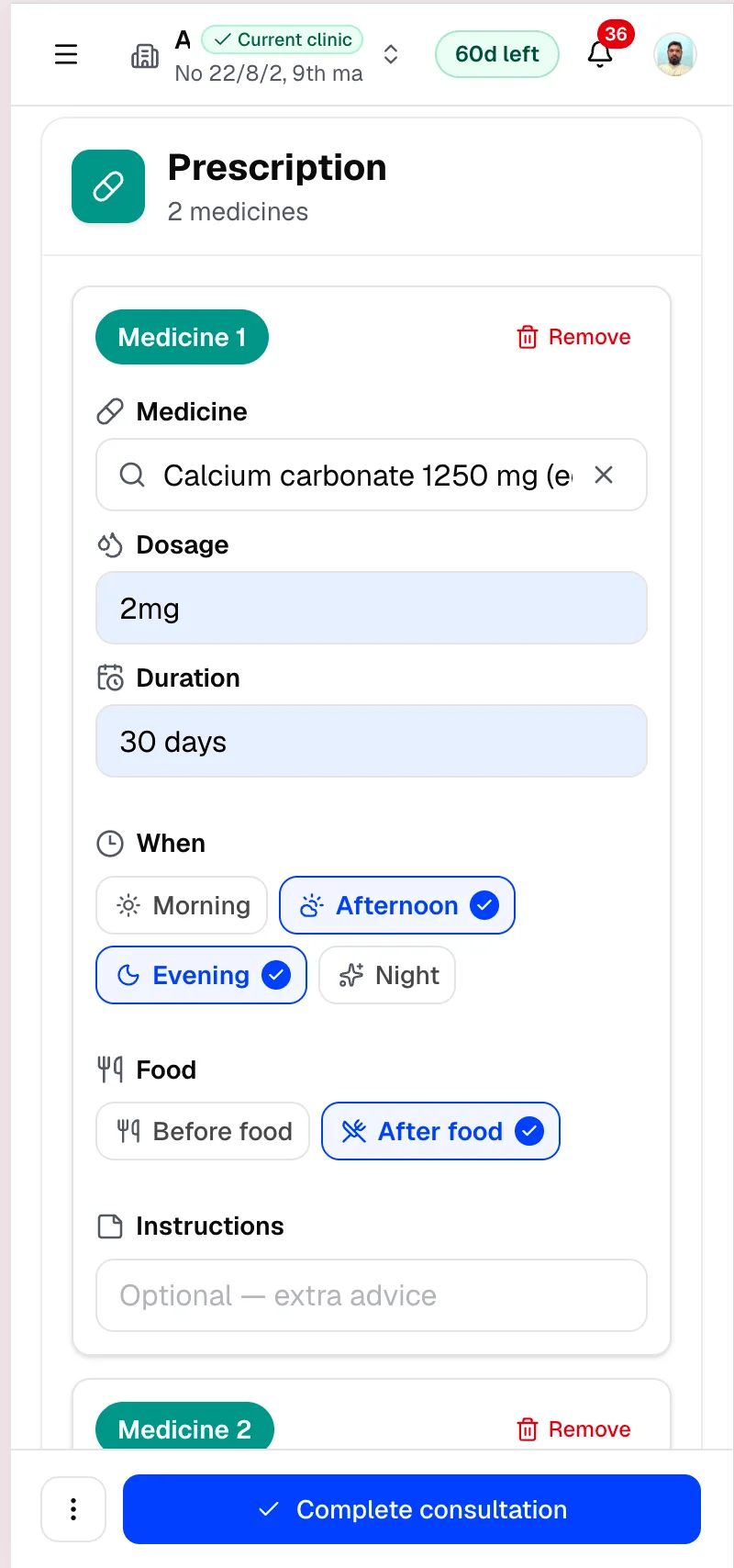
Add medicines during consultation, preview the prescription with your clinic branding, and print for the patient — with a clinic-wide list of saved prescriptions.
Billing
Clinic billing software linked to each visit
Create invoices from completed visits, add line items with tax, record payments, and see today’s billing metrics — in rupees.
Multi-clinic
Multi-clinic management software for growing practices
Owners can add clinics, invite staff per clinic, and switch the active workspace — with plan limits on clinics, doctors, and staff across the workspace.
Staff & reception
Staff and reception workflows in one clinic workspace
Owners invite receptionists and doctors, control what each role can do, and give the front desk the tools to register patients, manage today’s queue, and bill after consultation.
FAQ
Frequently asked questions
Clinic profile editing is limited to the clinic owner.
Not in the current release. You configure tax defaults inside AyuraCliniQ billing.
Ready to simplify your clinic workflow?
60 days free · No credit card required · Free setup for doctors and receptionists