
Billing
Clinic billing softwarelinked to each visit
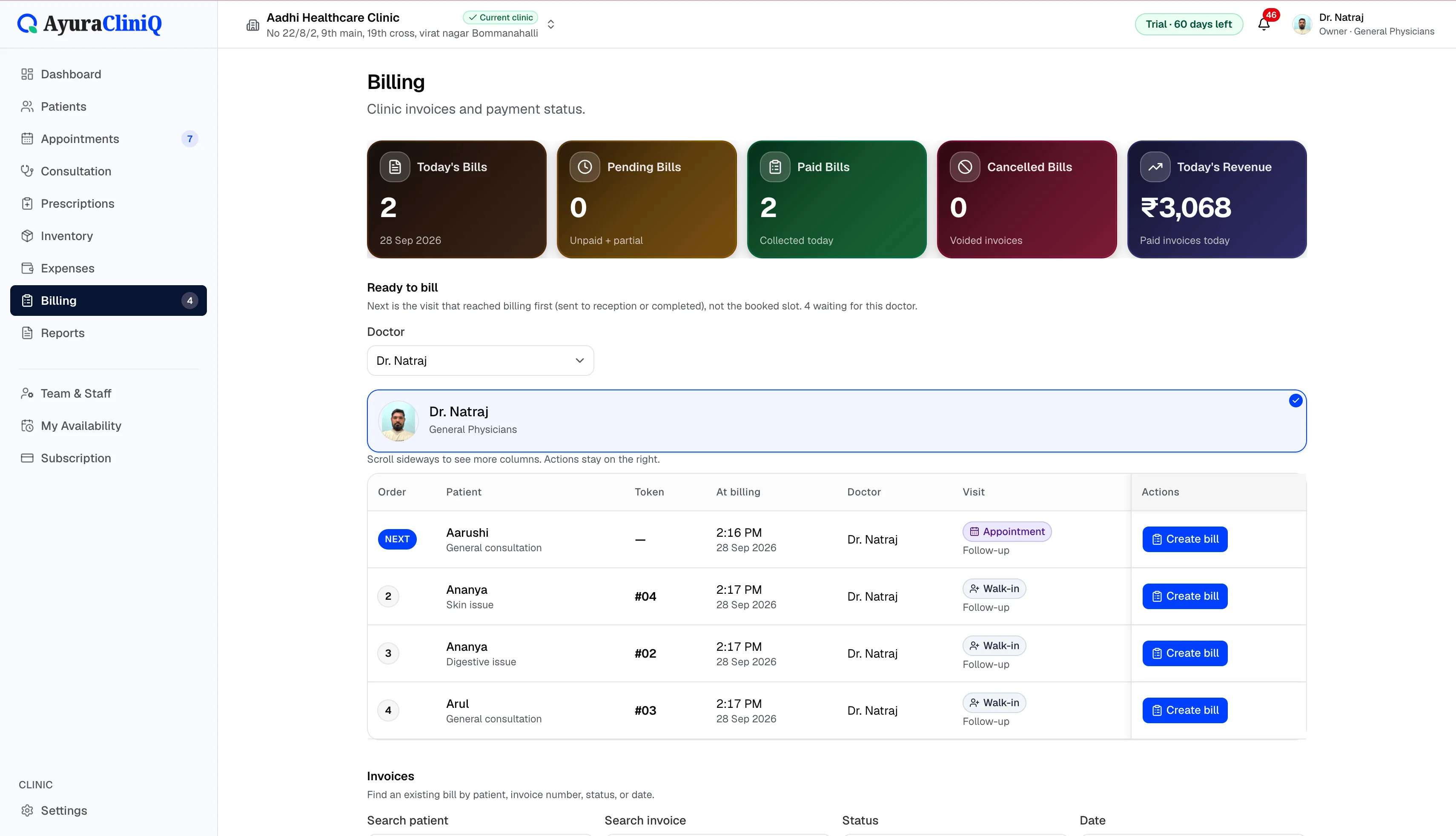
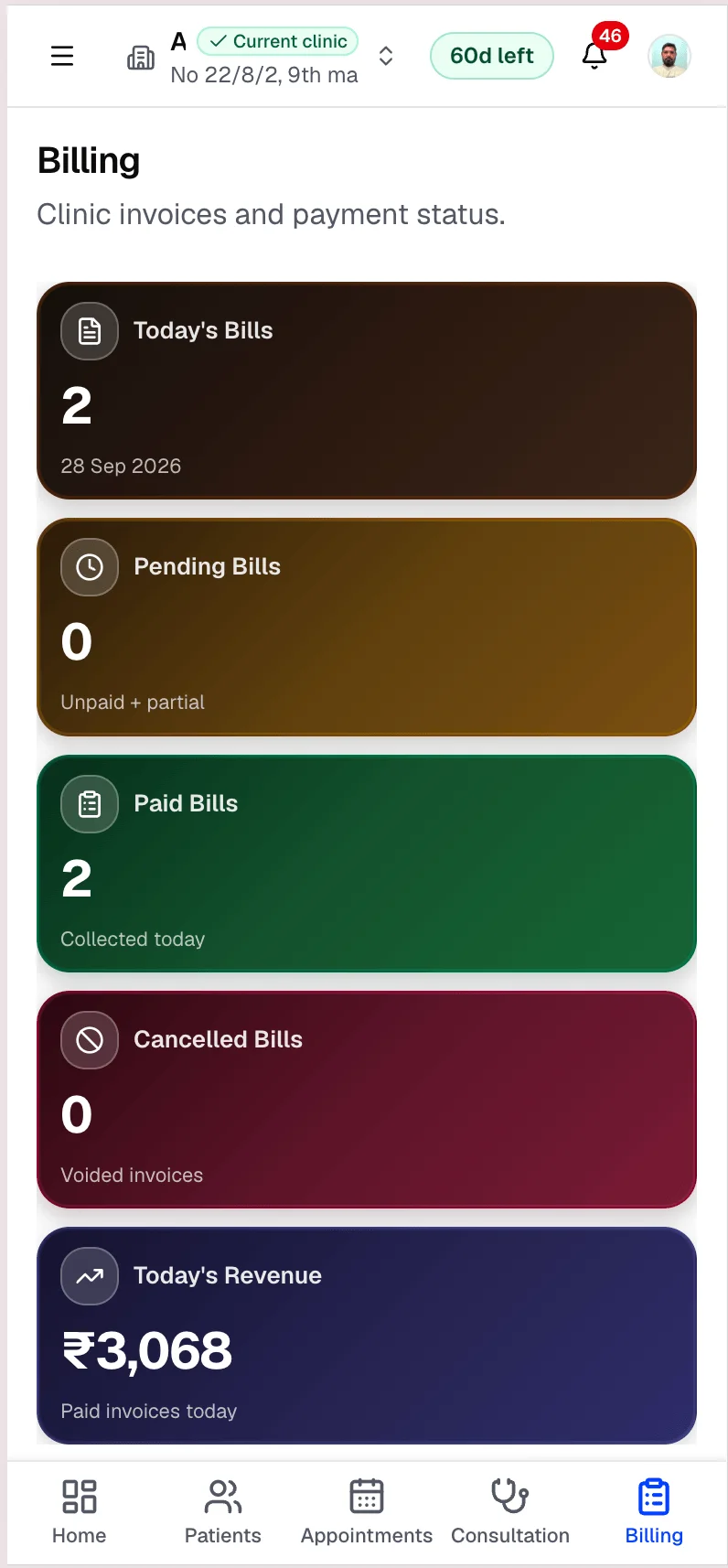
Create invoices from completed visits, add line items with tax, record payments, and see today’s billing metrics — in rupees.
Capabilities
What you can do
Visit-linked invoices
Create invoices from the appointment without retyping details.
Ready-to-bill queue
See visits waiting for an invoice after consultation.
Line items and tax
Add or adjust bill items with GST where configured.
Payment status
Track unpaid, partial, and paid invoices.
Print invoices
Print invoices for patients from the billing workspace.
Overview
Invoices without re-entering the patient
Clinic billing in AyuraCliniQ covers invoice creation, revision rules, payment collection, voiding where allowed, and printing. Dashboard and billing views summarise today’s counts and revenue from paid invoices.
This is clinic patient billing — separate from workspace subscription checkout for the AyuraCliniQ product itself.
Workflow
Billing workflow
- 1
Complete consultation and send visit to reception when ready
- 2
Open ready-to-bill or create invoice from the appointment
- 3
Add or adjust bill items and taxes
- 4
Record payment and print the invoice
In the product
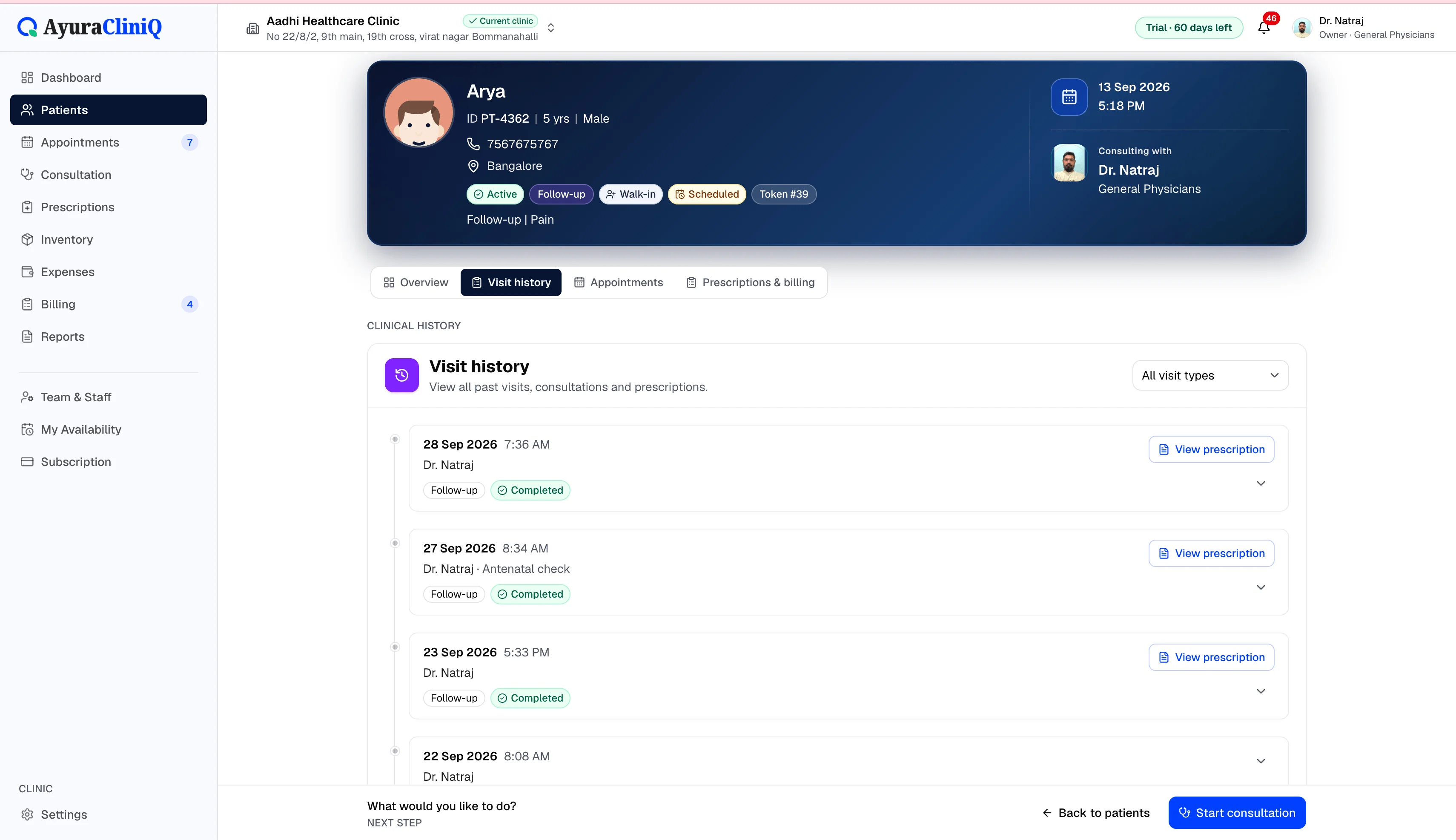
Billing that matches reception reality
Visit-linked invoices
Invoices connect to appointments and patients automatically.
Payment status
Track unpaid, partial, and paid invoices.
Ready to bill queue
See visits waiting for an invoice after consultation.
Related features
Consultation
Doctor consultation software in a focused workspace
Open a visit from the queue or appointment, capture complaint and examination notes, record vitals, and prepare the prescription without leaving the screen.
OPD management
OPD management software that connects reception to the doctor
AyuraCliniQ helps small clinics run outpatient days: book or walk in patients, manage the waiting room, consult, prescribe, and bill without switching tools.
Queue
Clinic queue management for today’s waiting room
See who checked in, who is waiting, and who is with the doctor — then start consultation when the room is ready.
FAQ
Frequently asked questions
No. The current billing module focuses on clinic invoices and payments you record.
Yes. Clinic profile settings include default tax configuration for invoices.
Ready to simplify your clinic workflow?
60 days free · No credit card required · Free setup for doctors and receptionists